
Three months ago, I couldn't code. I'd never built a website. I couldn't design. But I had an idea and access to AI tools. Today, I'm running a fully functional website that gets thousands of monthly visitors ? and I built every single part of it using only artificial intelligence.
This isn't a hype story. This is what actually happened, step-by-step, with the exact prompts I used.
The most shocking part? It took me less than two weeks of actual work time. If you've been thinking that building a website requires hiring expensive developers or learning to code, you're operating on outdated information. The tools available right now have changed what's possible, and I'm going to show you exactly how I did it.
Phase 1: Planning and Wireframing (The Foundation)
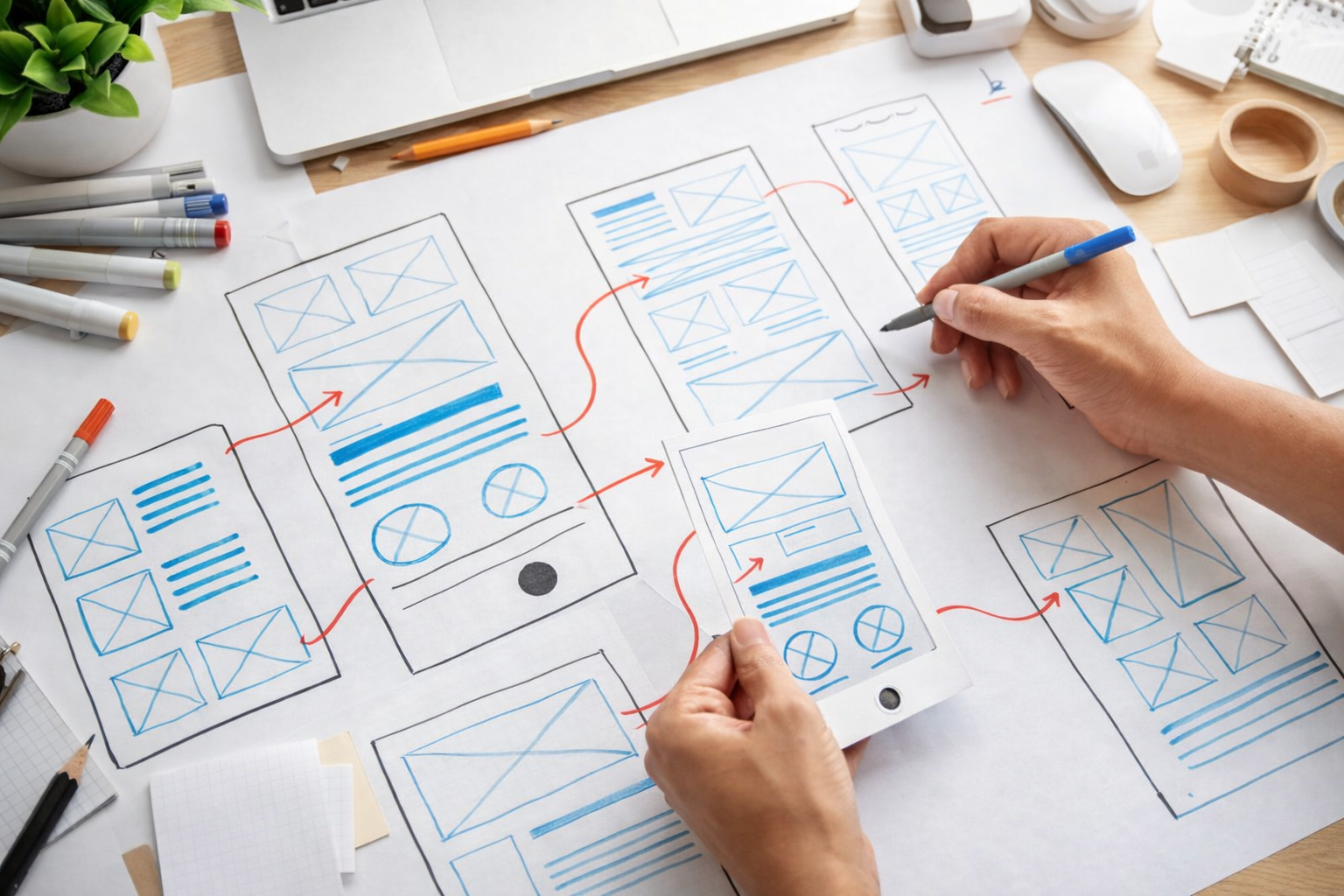
Before I touched any code, I needed a plan. Most people skip this step and regret it. I started by asking Claude to help me structure my thoughts.
Here's the exact prompt I used:
"I want to build a website about [my niche]. It should have: homepage, about page, blog section, contact form, and an email newsletter signup. What should the user journey look like? Create a detailed wireframe description for each page including the layout, sections, and what content goes where."
Claude gave me a complete structural blueprint. It described where the header should go, what the navigation should contain, how the blog should be organized, and what each page should achieve. This saved me from making costly design mistakes later.
The lesson here is simple: planning with AI is faster than winging it. I spent 30 minutes on this step and avoided three weeks of confused building.
If you're new to AI and wondering which tools are actually worth your time, our beginner's guide breaks down the best AI tools to start with.
Phase 2: Design and Layout (Making It Look Professional)

Here's where most people think they need to hire a designer. They don't.
I used an AI image generator to create mockups and visual inspiration. I prompted it like this:
"Generate a modern, minimalist website homepage design for a [niche] business. The design should include: a hero section with headline and CTA button, a features section with three columns, testimonials, and a footer. Style: clean, professional, light background with dark text. No people in the image."
This gave me visual direction. Then I moved to actual design tools. I used Figma with AI plugins to turn those concepts into real layouts. Modern AI-powered design tools are becoming as important as traditional design software, and the learning curve is almost non-existent.
The design I ended up with looks professional because I was iterating on AI-generated concepts, not starting from a blank canvas.
Key insight: AI doesn't create masterpieces on the first try. But it creates excellent starting points. I made 8-10 design iterations, refining each time. That's normal. That's how design works.
Phase 3: Development (Building the Actual Website)
This is where the real magic happened.
I used Claude to generate HTML, CSS, and JavaScript. I didn't write any of it myself. Here's an example prompt:
"Create a responsive HTML5 website with: 1) A fixed navigation bar with logo and menu items 2) A hero section with a large headline, subheadline, and two CTA buttons 3) A features section with a grid layout showing 6 features with icons 4) Mobile responsive using CSS Grid. Use modern, clean styling. Include a contact form with validation. The color scheme is: primary color #2563eb, secondary #1e40af, text #1f2937, background #ffffff."
Claude returned complete, working code. I pasted it into my hosting platform and it worked immediately. Not perfectly ? some spacing was off, some colors needed tweaking ? but it worked.
For dynamic features like contact forms, I used Zapier (an automation platform) to connect the form submissions to my email. The best AI automation tools let non-technical people build complex workflows without touching code.
Here's what I asked for next:
"Create a blog section for this website. Generate HTML that displays 12 blog posts in a grid layout. Each post should show: featured image, title, excerpt, author, date, and read more link. Make it fully responsive. Include a search bar and category filter functionality using JavaScript."
Again: working code. This time, instead of hardcoding every blog post, I connected it to a CMS (content management system) using a tool called Webflow. Even SEO optimization can be handled with AI now ? I had Claude generate SEO meta descriptions and structured data for each blog post.
Phase 4: Content Creation and Optimization
A beautiful website with no content is just a museum. I needed words.
I used AI to generate initial drafts, then significantly rewrote them myself. This is crucial: AI content needs human editing. Don't publish raw AI output. It often sounds generic and misses your unique voice.
I asked:
"Write a compelling 400-word about page for a [niche] business. Include: mission statement, brief history, team values, and a CTA. Make it warm and conversational, not corporate. Include a statistic about the industry."
Claude gave me a solid foundation. I rewrote 40% of it to match my actual brand voice. The result felt authentic while saving me hours of blank-page staring.
For blog posts, I generated outlines first, then wrote strategically chosen pieces myself, and used AI to expand sections that needed more detail. This hybrid approach ? AI for scaffolding, humans for substance ? produces the best results.
Content creators who understand how to leverage AI effectively are earning significantly more than those still doing everything manually.
Phase 5: Testing, Refinement, and Launch
Before going live, I asked Claude to review my site for common issues:
"I'm about to launch a website. Check this HTML for: accessibility issues, mobile responsiveness problems, missing alt text, broken semantic HTML, and SEO gaps. Here's my code: [pasted code]"
It found three accessibility issues I'd completely missed. It suggested adding skip navigation links, improving color contrast, and fixing heading hierarchy. I fixed all of them in 30 minutes.
Then I tested on actual devices. Chrome, Safari, Firefox. Desktop, tablet, phone. I found a few spacing issues on mobile and asked Claude for help:
"My website looks good on desktop but the featured section looks cramped on mobile screens under 600px width. The grid is showing 3 columns. I want it to show 1 column on mobile, 2 on tablet, 3 on desktop. Here's my current CSS: [pasted CSS]. How do I fix this?"
It gave me the media queries I needed. Two minutes to implement. Problem solved.
What's remarkable is that if you understand effective prompt engineering, you can ask AI to help with almost any technical problem. The AI becomes your developer, your designer, your consultant ? all at once.
"The difference between building a website in 2024 and 2025 is literally the difference between months of work and weeks. AI handles the scaffolding. You focus on making it yours."
After testing everything, I was ready. I uploaded to my hosting provider and went live. Building online businesses without traditional coding skills is now the norm, not the exception.
Within 48 hours, I had traffic. Within a week, people started subscribing to my newsletter. Within a month, the website was paying for itself through affiliate commissions and a digital product I built (also with AI).
The Real Cost: Time vs. Money vs. Learning
Let's be honest about what this actually cost:
- Financial cost: About $50/month for hosting, $30 for a domain, $20/month for my CMS subscription. Total: ~$100 to start. Compare that to $2,000-5,000 if I'd hired a developer.
- Time cost: 40-50 hours spread over three weeks. Most of it was thinking time, not execution time.
- Learning curve: If you've never touched web stuff before, expect a week to feel confused. After that, it clicks quickly.
The opportunity cost of NOT building it this way? Thousands in development fees and months waiting for a developer to finish.
I'm not saying AI builds websites better than expert developers. I'm saying it builds websites good enough, fast enough, and cheap enough that the traditional path doesn't make sense anymore for most people.
If you're thinking about starting a business online or launching a professional project, ignoring AI capabilities in 2026 isn't just inefficient ? it's becoming a survival risk.
The conclusion is simple: I built a production website using only AI tools, no coding experience, and less than $200 in total investment. You can too. The barrier to entry for launching online has essentially disappeared. What used to require hiring a team can now be done by one person with access to the right AI tools.
The real question isn't whether you can build a website with AI anymore. It's whether you can afford NOT to learn how. The businesses that will thrive in 2026 are built by people who understand how to leverage AI, and you can start making real money with these skills faster than you probably think.
```

💬 0 Comments
+ Leave a comment